
Globiz Dashboards Suite (HR + BPO + Clinic + E-commerce)
A complete set of clean, modern dashboards built for a real client — designed to be easy for staff to use daily, with fast navigation, KPI cards, tables, and clear reporting visuals. 📊✨
Overview 🧠
This client needed multiple dashboards with a consistent “Globiz” look and feel — clean sidebar navigation, strong KPI cards, and simple tables for daily operations. Each system targets a different department, but the UX stays familiar across all screens (so staff learn once and move faster). ⚡
Goals 🎯
- Build a modern, consistent UI across multiple modules.
- Make important numbers instantly visible (KPI cards).
- Support daily workflows: manage staff, posts, attendance, orders, conversations.
- Keep pages clean, lightweight, and easy to navigate.
Key Wins ✅
- Unified dashboard style across HR, Clinic, BPO, and E-commerce.
- Clear hierarchy: KPI → tables → charts → actions.
- Consistent components (cards, badges, filters) for faster development.
- Professional look suitable for corporate admin environments.
Modules Built 🧩
Each module has its own purpose, but follows the same clean design system and layout approach.
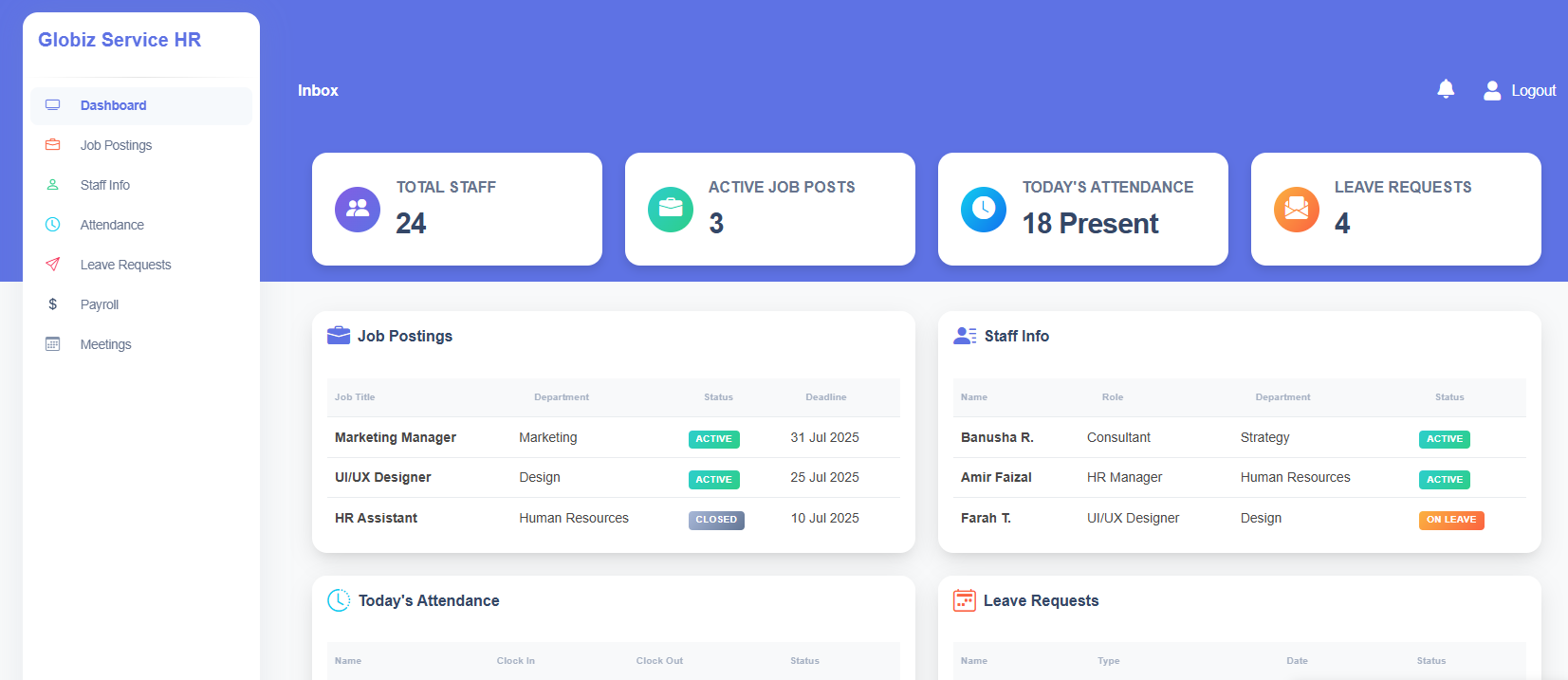
👩💼 Globiz Service HR
- KPI summary: total staff, job posts, attendance, leave requests
- Tables: job postings + staff info
- Status badges: Active / Closed / On Leave
- Sidebar navigation for quick access
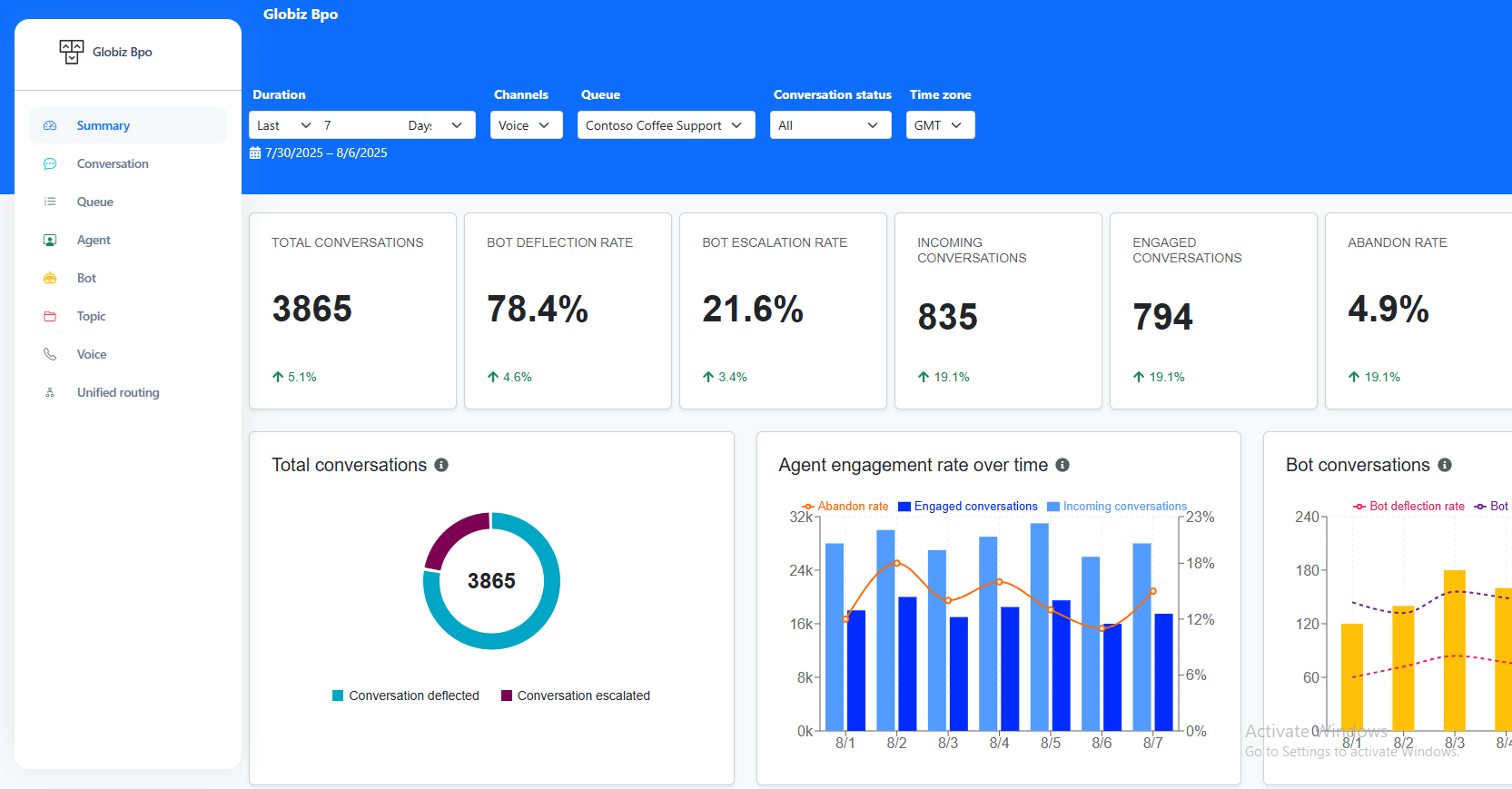
💬 Globiz BPO Chatboard
- Filtering: duration, channels, queue, status, time zone
- KPIs: conversations, deflection, escalation, abandon
- Charts: trends + engagement over time
- Analytics-first layout for performance tracking
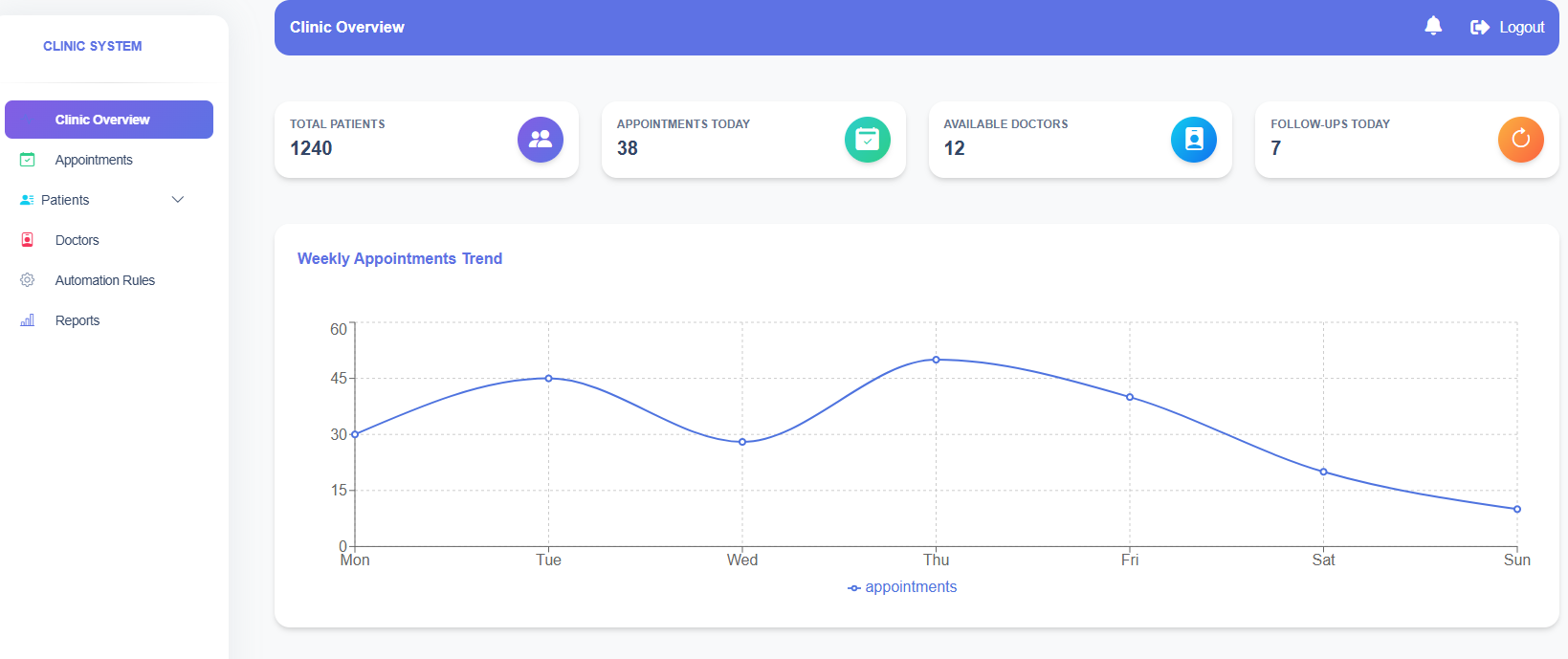
🏥 Clinic System
- KPI cards: patients, appointments, doctors, follow-ups
- Simple weekly trend line chart
- Sidebar modules: appointments, patients, doctors, reports
- Clean “overview first” home screen
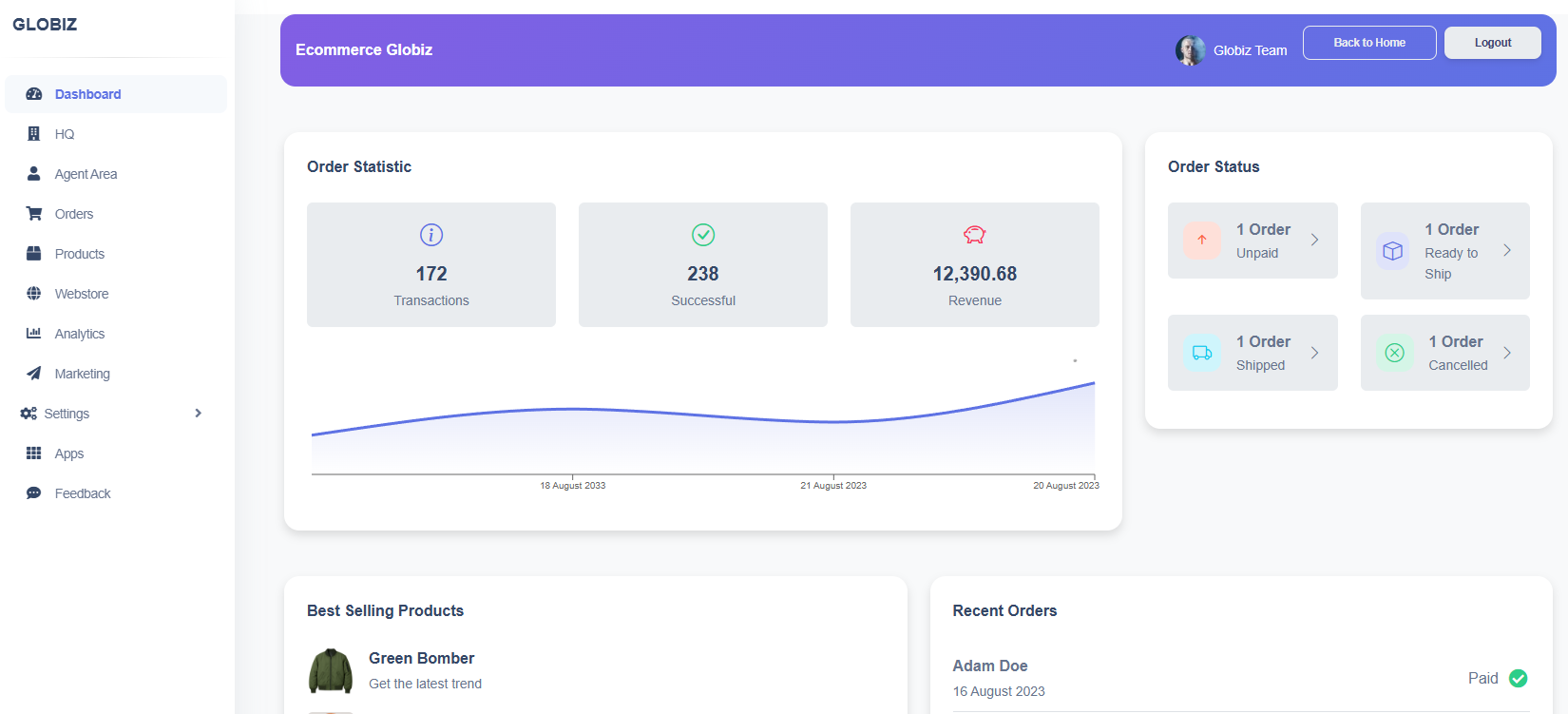
🛒 Ecommerce Globiz
- Order statistics + revenue snapshot
- Order status cards (unpaid, ready to ship, shipped, cancelled)
- Best selling products + recent orders
- Sidebar: orders, products, analytics, marketing
Tech Stack 🧰
- HTML + CSS (component-style layout)
- Responsive grid system
- Reusable UI patterns (cards, badges, tables)
- Chart-ready sections (integrates easily with Chart.js / ApexCharts)
Screenshots 📸
Real UI previews from the Globiz dashboards suite.
Challenges & Solutions 🛠️
Challenges 😮💨
- Different departments needed different data, but UI must look consistent.
- Dashboard pages can get “too busy” if spacing and hierarchy is weak.
- Tables, badges, filters, and charts must stay readable on smaller screens.
Solutions 💡
- Used a single visual system: same sidebar, card shapes, shadows, spacing.
- KPI-first layout: top cards → content blocks → charts (easy scanning).
- Responsive grids + safe padding so content stays clean and balanced.
Results ✨
Delivered a professional dashboard suite with a consistent brand feel — making it easy for teams to manage operations, track performance, and find key actions quickly. The UI is structured so it can scale: more pages can be added without breaking the design system. 🚀
📌 Consistency
Same UI language across multiple systems so staff don’t feel “lost”.
⚡ Speed
Reusable card + table patterns reduce build time for new screens.
🧠 Clarity
Clean spacing and hierarchy makes important metrics obvious.
Want a dashboard like this for your business? 😄
Tell me your industry + what you want to track (sales, staff, orders, chats, attendance, reports). I’ll suggest the best layout and features.